


Interior design
Print to Render Interior
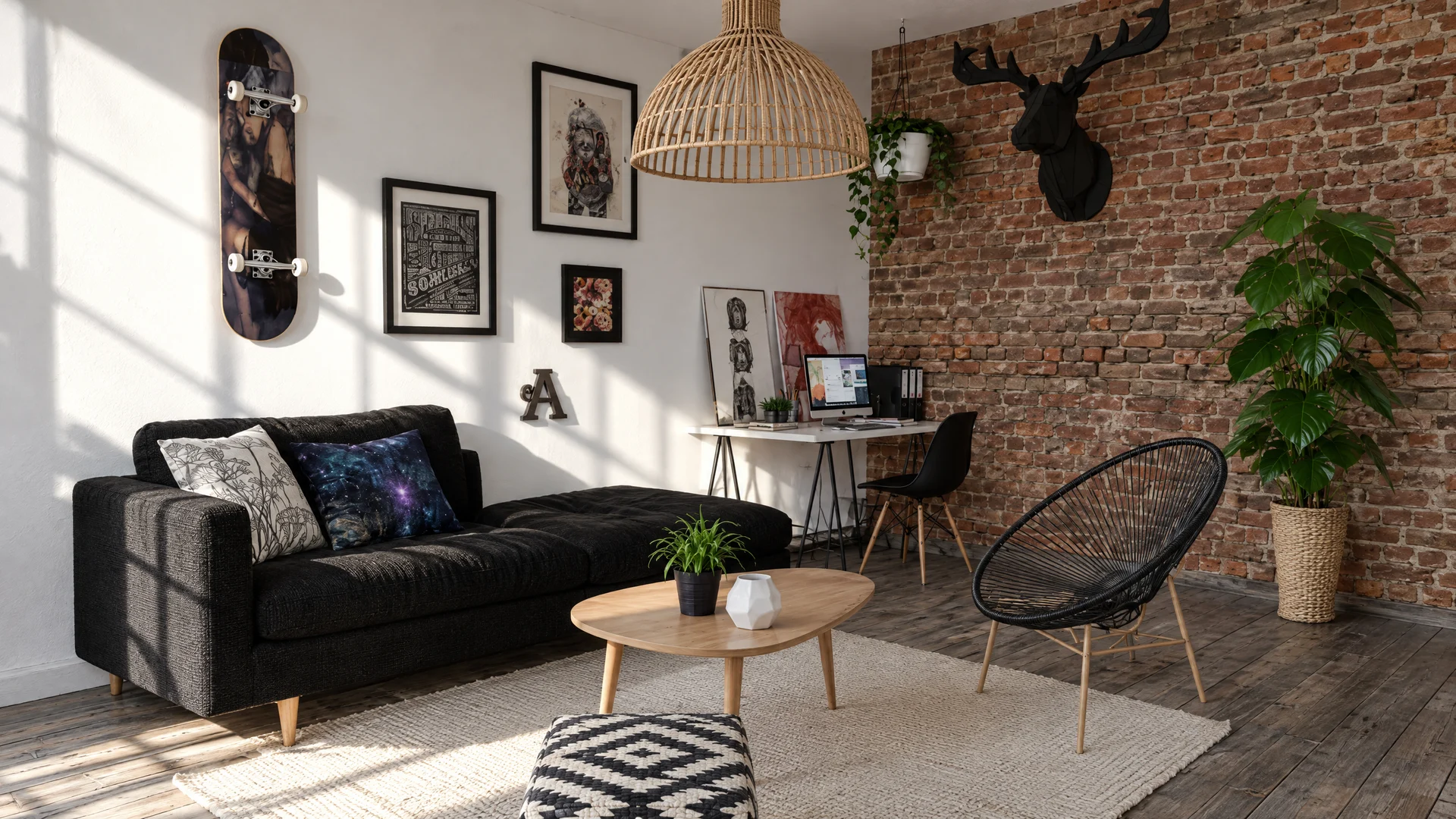
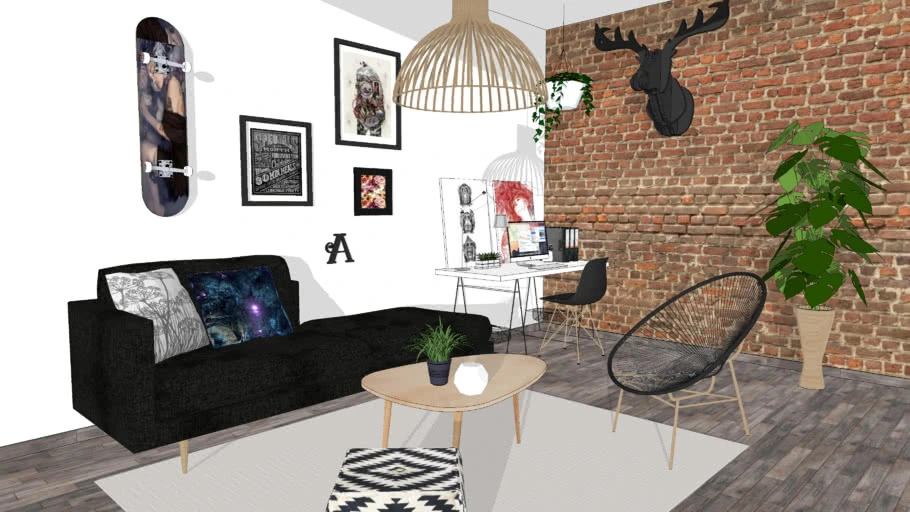
A SketchUp living room photographed in morning light, with every object left where the designer put it.
SketchUp model: Crystalcore. Rendered with GPT Image 2.5 outside Studio. Source
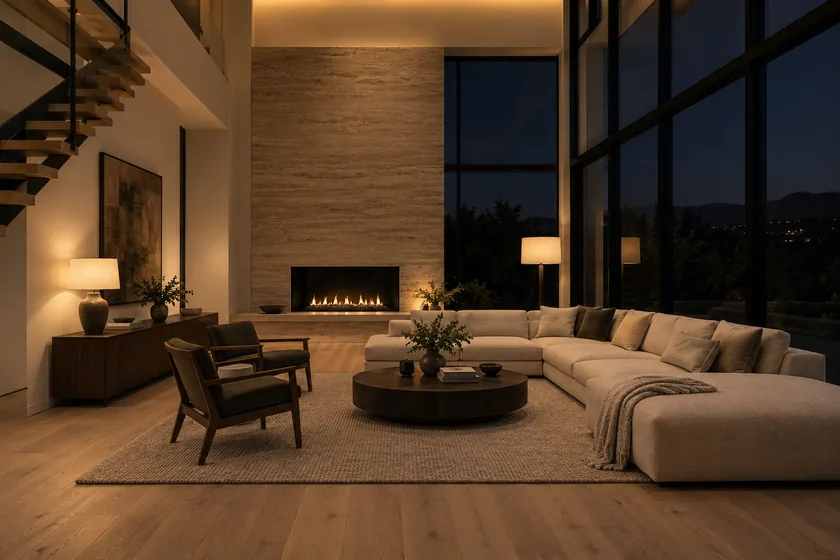
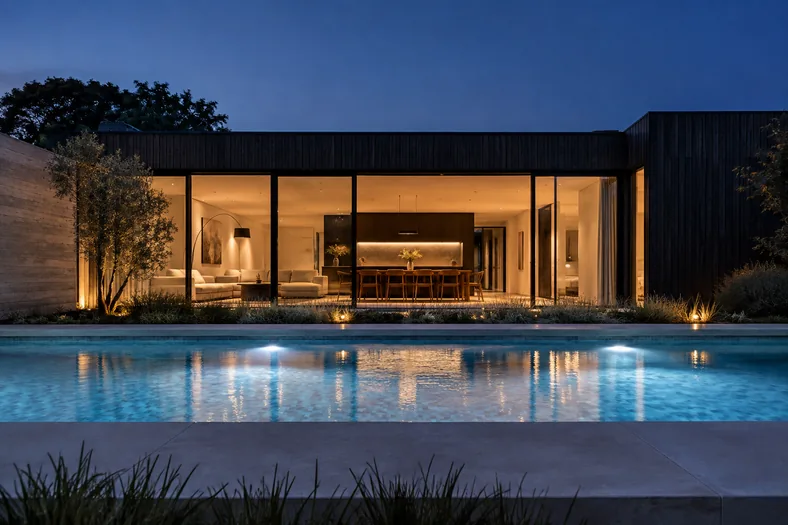
AI rendering for architecture, interiors and landscapes. Start with a photo, floor plan or 3D view.
5 free renders · No credit card · Watermarked · Timing varies
From image to possibility
Start with a photo. Explore a new look. Bring the result into motion.
Coming soon to Studio. A quiet moment in the space you imagined.
Coming soon to Studio. A personal introduction, in the very same room.
AI-generated concept previews. Lifestyle actors and presenters are not yet available in Studio.
“Stage this empty living room in warm modern. Keep the floor, walls, windows and light fixtures unchanged.”
Illustrative AI photos, not customer projects. Animation made from the furnished image. Edited, looping demonstration. Not live generation or actual processing time.
Design to reality
Models, floor plans, interiors and landscapes. Drag the divider to see the transformation.
Interior design
A SketchUp living room photographed in morning light, with every object left where the designer put it.
SketchUp model: Crystalcore. Rendered with GPT Image 2.5 outside Studio. Source


Architecture
A SketchUp house photographed from the street in mid-morning light, with every window, door and roof line kept.
SketchUp model: Cordelle. Rendered with GPT Image 2.5 outside Studio. Source


Spatial planning
Bring the layout to life with furniture, materials and a clear overhead view.
Original AI plan and derived furnished concept.


Hospitality landscapes
Shape a place to linger with sculptural trees, reflecting water and quiet seating.
Original AI courtyard concept and derived landscape.


Cultural architecture
Explore a waterfront pavilion in blue hour, with warm facade lighting and reflections.
Original AI pavilion concept and derived lighting study.
1 of 5: Print to Render Interior
Illustrative Image Gen renders made outside Studio, not customer projects or verified Studio model outputs.
Explore guides for architectural rendering, interior design visualization and landscape visualization, or learn how to render a floor plan or SketchUp view.
Who it is for
Visualize a villa, an interior or a landscape. Start with a photo, a plan or a design idea.
Pricing
Paid plans include watermark-free images, commercial use and more credits. Higher plans add larger images and video generation.
For first projects and everyday design images.
$15/mo
billed monthly · cancel anytime
Up to 100 standard images
900 credits a month · standard model, up to 2K
Renders up to 2K
Image and video generation
Images and videos share your monthly credits.
Cancel anytime · no watermark · commercial licence
Just exploring? 5 free renders, no card
For detailed design images and videos.
$35/mo
billed monthly · cancel anytime
Up to 266 standard images
2,400 credits a month · standard model, up to 2K
Renders up to 4K
Image and video generation
Images and videos share your monthly credits.
Cancel anytime · no watermark · commercial licence
Just exploring? 5 free renders, no card
For frequent projects and larger creative workloads.
$80/mo
billed monthly · cancel anytime
Up to 666 standard images
6,000 credits a month · standard model, up to 2K
Uploads up to 6K; renders up to 4K
Image and video generation
Images and videos share your monthly credits.
Cancel anytime · no watermark · commercial licence
Just exploring? 5 free renders, no card
5 free renders to start, no card. Cancel paid plans anytime. See full pricing for credit packs and generation quotes.
Questions
Explore architecture, interiors and landscapes from a photo, floor plan or 3D-view image. Render a design, furnish a room, explore materials or develop a landscape. Describe your direction in the Studio and review the result before sharing it.
Describe what should change and what should stay. Our instructions ask the model to preserve the other details, but AI can alter geometry, openings or materials unintentionally. Compare the result with your input. These are visualization concepts, not measured drawings or construction documents.
Create an account for 5 free watermarked renders on the standard model, with no credit card. Free renders are for personal use. Paid plans add watermark-free downloads and commercial use; render allowances and output resolution vary by plan.
Start with 5 free watermarked renders for personal use, with no credit card. Paid plans start at $15 USD per month, billed monthly, and include watermark-free downloads and commercial use. Each generation uses credits; the Studio shows the quote before you generate.
Yes. Upload a clear JPG, PNG or WebP image: a photo, an exported floor plan, a sketch or a screenshot of your 3D view. Export CAD and SketchUp files as an image first; native project files are not supported. Keep the full design visible and avoid toolbars covering the view.
Video generation is available on every plan and is paid for with credits. Paid plans use the same monthly allowance as images, plus any purchased credits. On the free plan, videos use purchased credits: the 5 free renders are for images only. The Studio shows the credit quote before you generate.
Generation time varies by model, resolution and demand.
Adjust your description and try again, specifying what should change and what should stay. Each new generation uses credits at the price shown in the studio. Use the report option on a result to flag an unwanted change.
Yes. Free downloads carry a watermark and are for personal use. Paid plans, and renders paid for with top-up credits, include watermark-free downloads and commercial use. For property listings, check the rules of your listing platform and clearly disclose digital alterations.
Your subscription allowance refreshes every billing period; unused allowance does not roll over. Purchased top-up credits do not expire while your account exists and are used after your subscription allowance.
No. Architects, interior designers, landscapers, renovators, real estate professionals and homeowners can use Astravisualize. Photo edits illustrate changes to an existing space. Images created from a description are design concepts and must not be presented as photographs of a real listing.
Try 5 watermarked images of your own project. No credit card.